STREAM LINK // ANDROIDDIRECT RELEASE // 2026-09-04
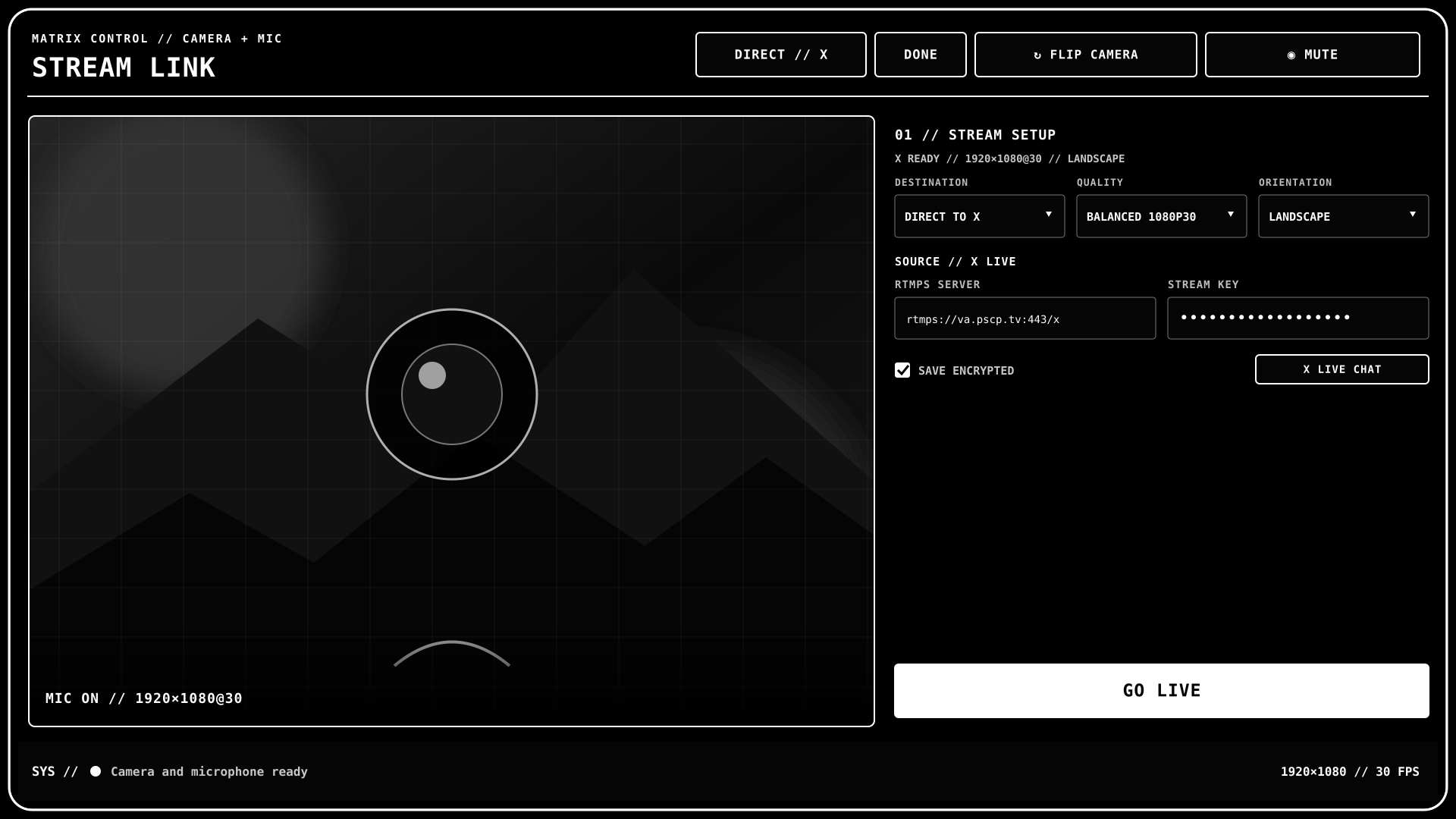
CAMERA + MICROPHONE // LIVE
Stream Link
Turn a compatible Android phone into a direct X streaming camera, an encrypted PC studio source, or a Windows camera and microphone.
DOWNLOAD APK // 2.0.0SHA-256 // 56244473dd56c6f6fbf877fa22a3d650e823fb6efe3d0b33ea03d52235bc7177
INSTALL // SAMSUNG GALAXY
- Tap DOWNLOAD APK, then open the finished download.
- If asked, allow your browser to install apps from this source.
- If Samsung Auto Blocker stops installation, open Settings → Security and privacy → Auto Blocker, review the warning, and temporarily turn it off.
- Install Stream Link, then restore Auto Blocker if you changed it.
TRUST // RELEASE CONTROLS
- The APK is release-signed and non-debuggable.
- Updates require an explicit tap and Android's installer confirmation.
- Every update is checked for SHA-256, package, version, and the same signing certificate.
- No ads, analytics SDK, or remote crash reporter is included.
- Independent software; not affiliated with or endorsed by X Corp. or Samsung.